
Corporate Training Video Planning That Starts With the Task
Plan training videos around real job decisions, clear demonstrations, subject-matter review, and the way employees will use them.
Training video · MHMedia LLC · September 18, 2026
Let’s talk about your project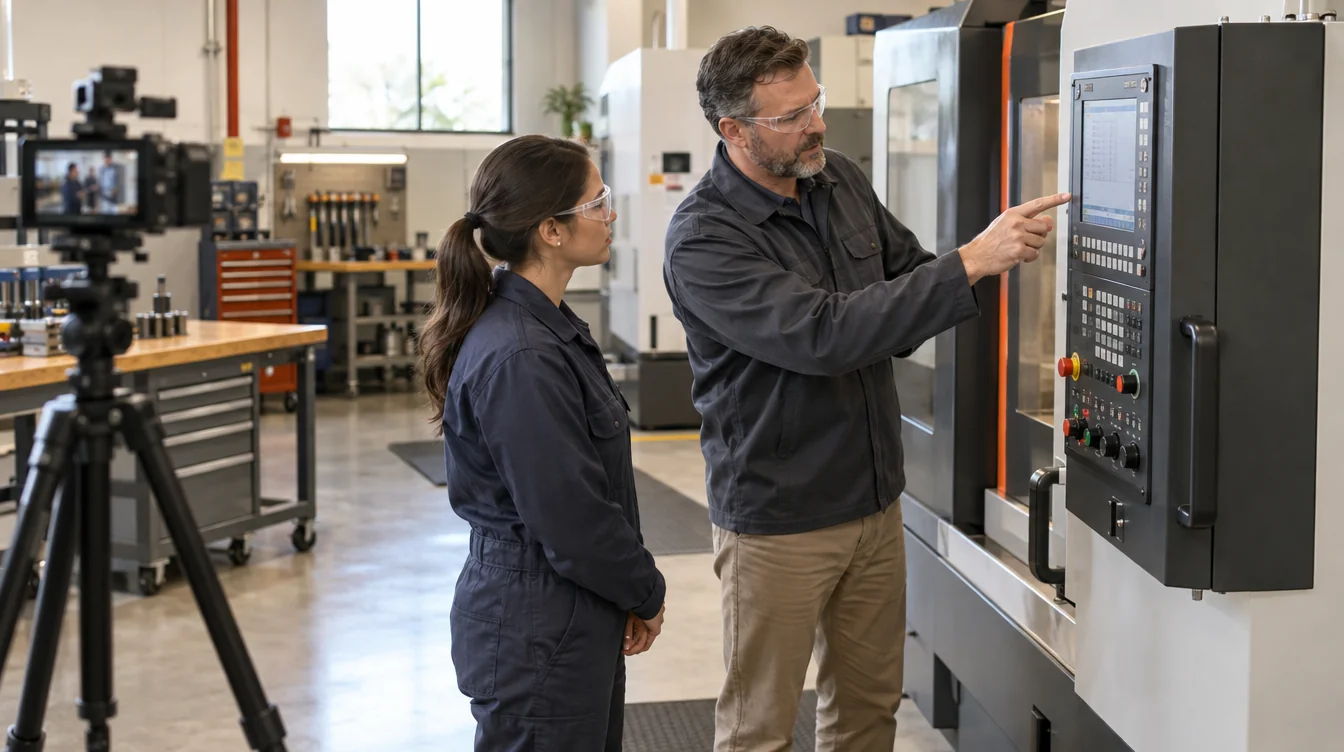
Corporate training video planning should begin with the task a viewer needs to perform, not with a camera shot list. Video is most useful when people need to see a sequence, hear an explanation in consistent language, revisit a process, or prepare for an in-person demonstration. A precise learning goal makes every later decision easier.
Write the goal as an observable outcome: “After watching, a new operator can identify the inspection points and explain when to stop and ask a supervisor.” That is more useful than “understand the machine.” It tells the subject-matter expert what belongs in the video and gives the team a practical way to review it.
Define the viewer and the moment of use
The same process may need different videos for a new hire, an experienced employee, a customer, or a manager. List what the viewer already knows, unfamiliar terms, required context, and the decisions that carry the most consequence. Separate orientation, conceptual explanation, and step-by-step instruction when combining them would overload one piece.
Also identify where the video will be watched. A classroom screen, phone at a workstation, learning management system, and private web page each create different requirements. Confirm expected length, chapters, captions, file format, login constraints, and whether the viewer needs a companion checklist or reference document. If a platform has technical specifications, collect them before editing begins.
Turn expert knowledge into a filmable outline
Ask the subject-matter expert to walk through the real task while someone records each step, decision, warning, and common mistake. Then organize the outline around what viewers must notice and do. Keep policy language and approved terminology accurate, but translate dense source material into spoken sentences and visible actions.
For each section, identify the narration or interview point, the action shown, any screen recording or graphic needed, and the person responsible for approving it. A demonstration should show the important detail at a useful scale. Wide views establish the environment; closer views explain hand position, controls, materials, or changes in state. On-screen labels should reinforce the action rather than cover it.
MHMedia’s corporate and training video service can include interviews, demonstrations, screen recordings, graphics, chapters, captions, revisions, and delivery formats. Site access, personal protective equipment, restricted areas, accessibility needs, and subject-matter review belong in the production plan.
Build accuracy checks into the schedule
Training content usually has more reviewers than a promotional video. Name one person who can consolidate feedback and identify who has final authority over technical accuracy. Review the outline before filming, the demonstrated sequence during production, and a structured cut before finishing. Time-stamped comments are easier to resolve than separate lists of general reactions.
Treat safety, compliance, and company policy as owner-approved content. A production team can make instructions clear and watchable, but the organization’s qualified reviewers must verify that the process is correct for its people and workplace. Schedule enough time for that review instead of assuming every correction can happen on the final day.
Evaluate usefulness after release
A training video earns its place when it improves the learning process. Choose measures that fit the task: repeated questions, time an instructor spends covering routine material, completion and knowledge-check results, observed task confidence, retraining needs, or how often employees return to a chapter. Compare those signals with the previous approach while accounting for other changes in staffing or process.
Video should support the people responsible for training, not remove the judgment a live situation requires. Give viewers a clear next step: practice with a supervisor, complete an assessment, consult a current procedure, or ask for help. Review the content when equipment, policy, software, or the job itself changes.
Related graphic design support can connect the video with job aids, presentations, diagrams, and print materials. MHMedia LLC serves projects from its Evans base across Denver, Fort Collins, Greeley, Loveland, Boulder, Colorado Springs, Cheyenne, and Laramie, with travel for larger work. Discuss a training video by bringing the task, audience, reviewers, location, and delivery requirements.
Your next project starts with a clear purpose.